
Step by step
- 1
Start on the Dashboard
Under Your next best actions, select the pending follow-ups action, for example Complete 2 pending follow-ups, when it appears. The Inbox opens with the follow-ups that are due.
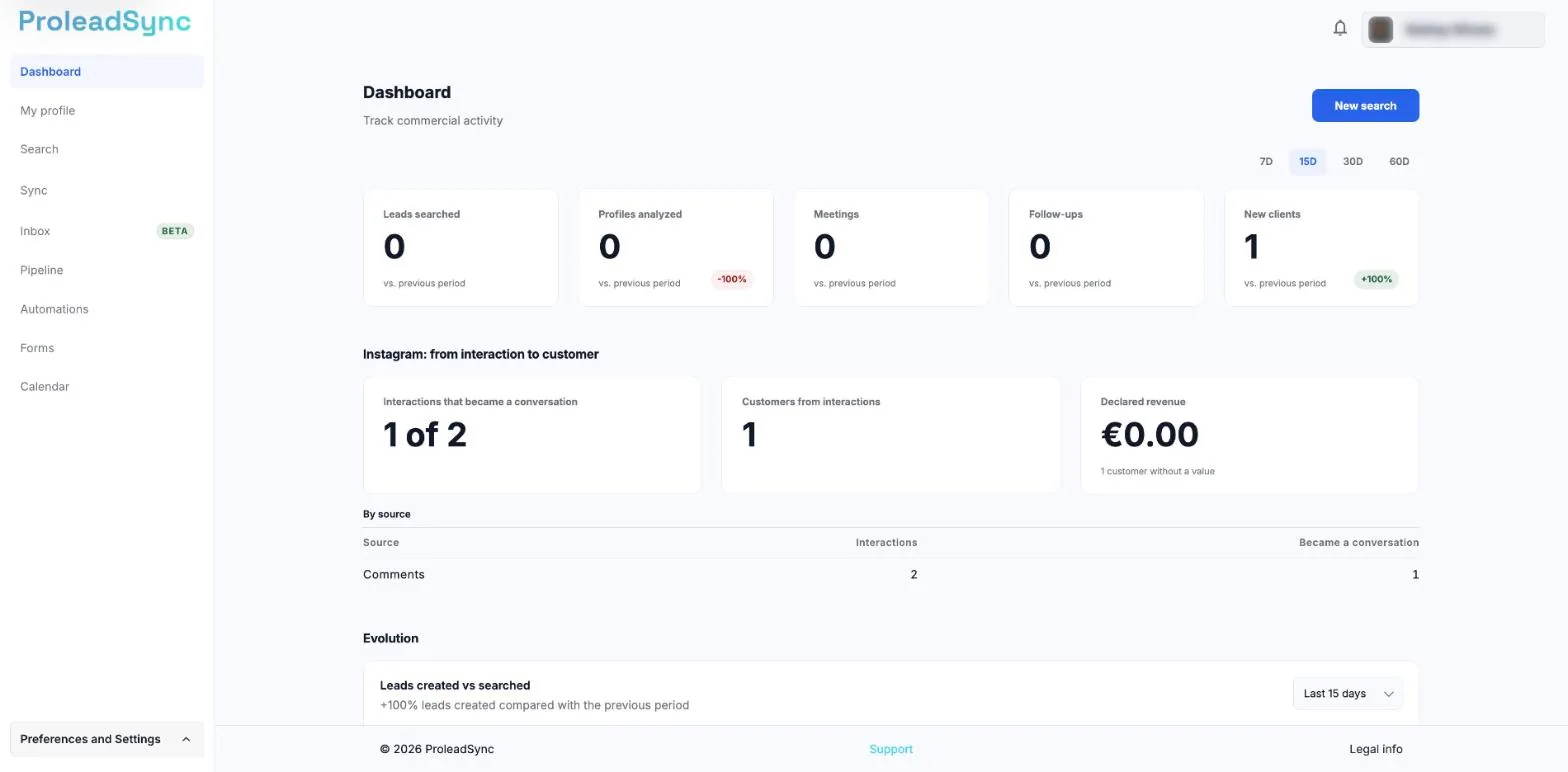
The Dashboard shows activity for the period you choose in 7D, 15D, 30D or 60D. - 2
Confirm the lead context
Open the lead or conversation and check its latest activity, stage and recorded next action.
- 3
Ask Sync for a filtered list
When you need a specific view, ask for example: “Show contacted leads with no reply for more than seven days”.
- 4
Update the lead after acting
After contact, record the activity, adjust the stage and set the next step. This prevents the same lead from remaining pending without a reason.
If something does not work as expected
The list includes a lead I already handled.
Open the lead and check whether its previous next action or follow-up is still active. Update or complete it.
The Dashboard shows no follow-ups.
Check whether leads have next actions or unanswered conversations. You can also ask Sync to search by period.