
Before you start
- Sync is included in the PRO and ULTRA plans.
- A plan should state what will be done, which information it uses and which steps need your confirmation.
Step by step
- 1
Describe the objective
In Sync, open the Sync mode menu, under the message box, and choose Plan. Then explain the final result and its limits. Include the group of contacts, the period or the area to consider.
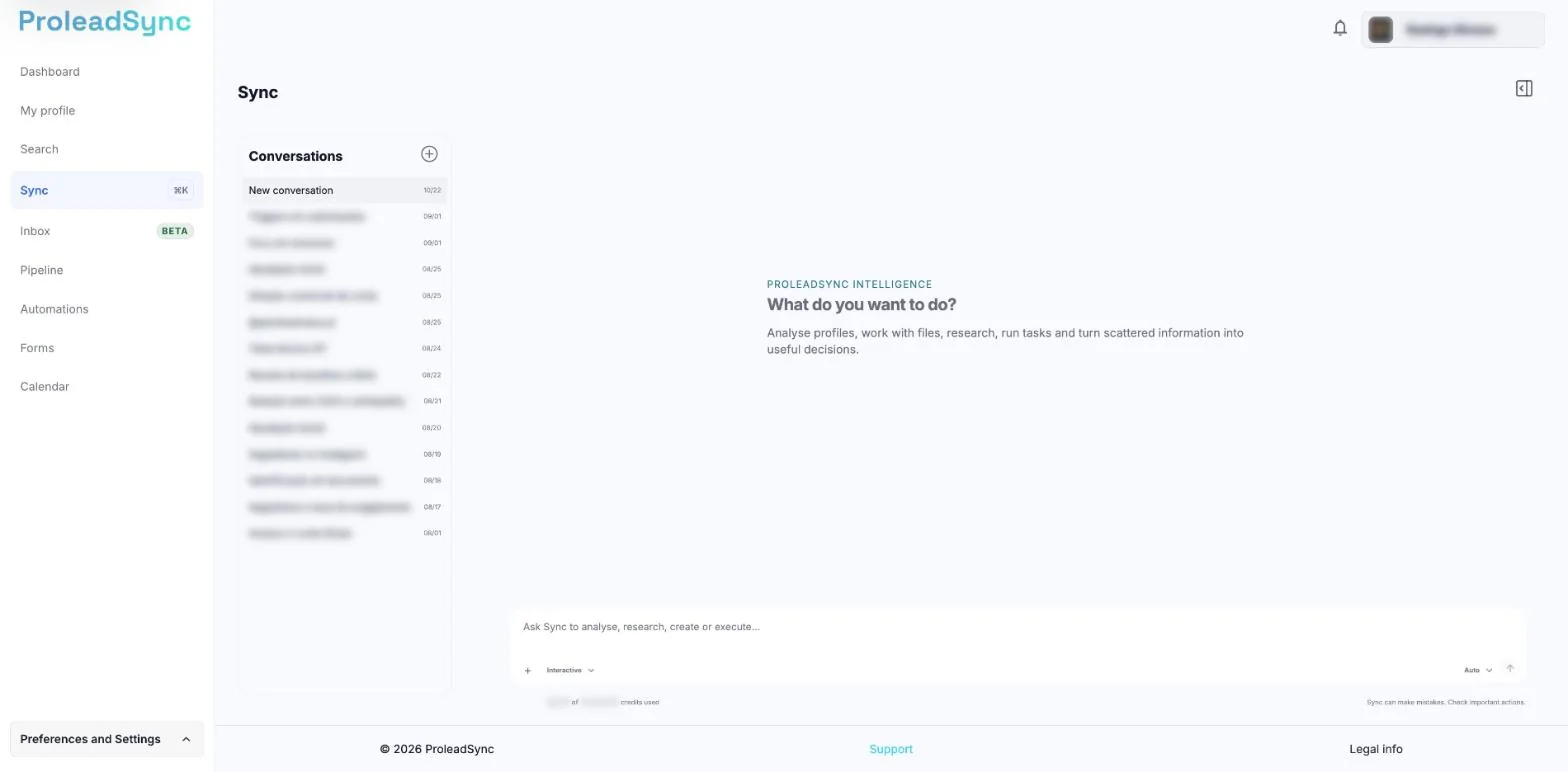
Start by explaining the desired result and plan scope. - 2
Review the Sync plan
Sync replies with the Sync plan card and the proposed steps. Check the source data, the recipients, the order and the intended effect.
- 3
Ask for changes if needed
Select Request changes, write in What should change? and select Send. Sync replies in the same conversation with your changes in mind.
- 4
Approve the plan
When the plan is correct, select Implement. The conversation switches to Interactive and Sync starts carrying out the steps. The card shows Plan approved · interactive run.
If something does not work as expected
The plan includes more contacts than intended.
Do not select Implement. Select Request changes, give the exact filter and ask for a new version of the plan.
I see "Could not start running the plan."
Select Implement again. If the message appears again, contact Support.
Sync asks for confirmation while it carries out the plan.
Select View action details to check the target and the effect, then select Allow this action or Decline.