
Before you start
- Sync is included in the PRO and ULTRA plans. Each reply uses Sync credits from the monthly total of your account.
- Sync only works in the areas you can access on your team. In an area you cannot access, Sync declines the action.
- Before Sync changes information or sends something, it asks for your confirmation.
Step by step
- 1
Open Sync
Select Sync in the menu, or use the shortcut shown next to it. The Sync page opens with Conversations on the left and the message box at the bottom.
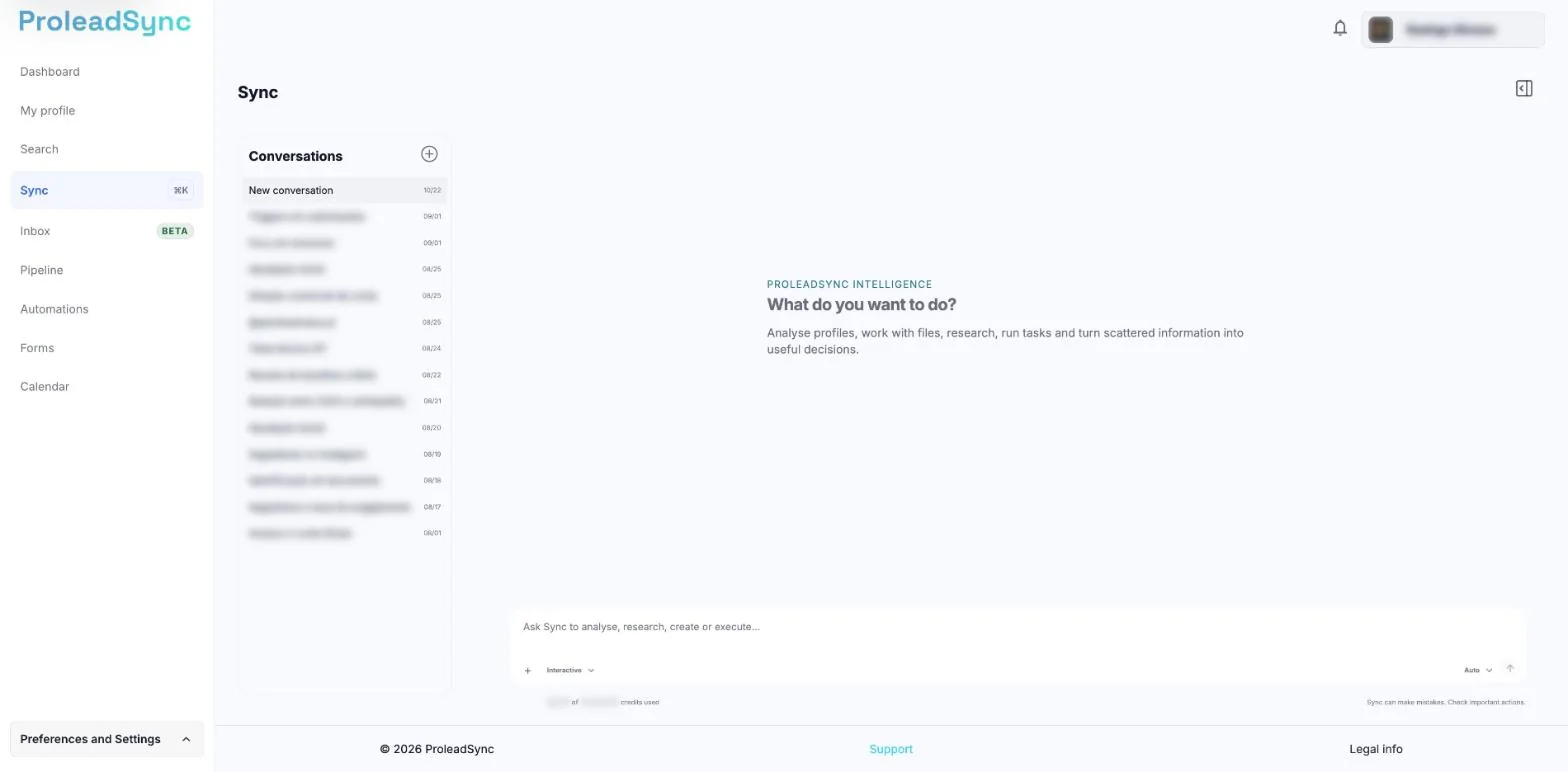
Use the field at the bottom to explain what you need. - 2
Choose the mode
Under the message box, open the Sync mode menu. Interactive is selected by default. To review the steps before anything runs, choose Plan. Next to it, Reasoning level starts on Auto.
- 3
Describe the result you need
Write a direct request with the essential information. For example: “Show the contacts with no reply for more than seven days”. To add files, select + in the message box. Then select the send arrow.
- 4
Review the answer
Read the answer and the data Sync used. If something is missing or wrong, reply in the same conversation.
- 5
Confirm only when it is correct
When Sync needs to change information or send something, it shows the Your confirmation card. Select View action details to check the target and the effect. Select Allow this action to go ahead, or Decline.
If something does not work as expected
The answer is too general.
Add the area, the period and the result you want. Include the contact name when the request is about one contact.
Sync shows Your confirmation.
Sync shows this card before any change or send. Review the details, then select Allow this action or Decline and reply with what should change.
Sync declines an action in one area.
You do not have access to that area on your team. Ask the person who manages the account.
I see "You reached Sync's monthly limit."
You have used this month's Sync credits. Your conversations stay saved and you can write again when the credits reset.