
Step by step
- 1
Open the form
On the Forms page, select the form and open its submissions or responses.
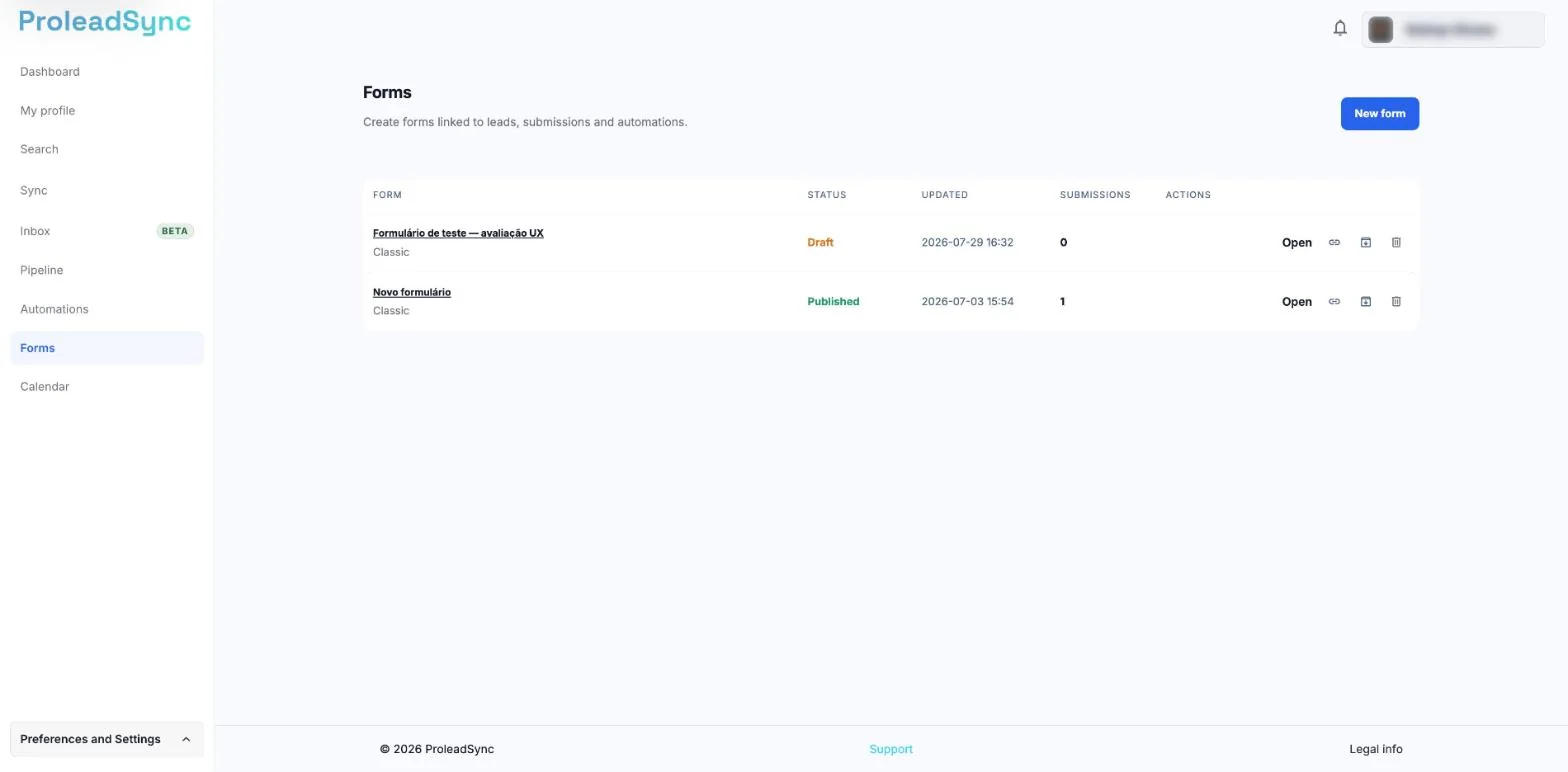
The Submissions column shows how many responses you received. - 2
Open a response
Review its date, fields and source. Confirm that the information is complete before using it.
- 3
Connect or update the lead
When the response identifies an opportunity, connect it to an existing lead or create a record without duplicating the same person.
- 4
Set the follow-up
Record the stage and next action. If an automation handles the response, confirm in its history that the flow started.
If something does not work as expected
The same person submitted twice.
Keep both submissions as history, but connect them to the same lead when they represent the same identity.
The automation did not start after the response.
Confirm that the published form is connected to the automation and that the flow is active.