
Step by step
- 1
Open the analyzed profile
In Search, open the result you confirmed as relevant.
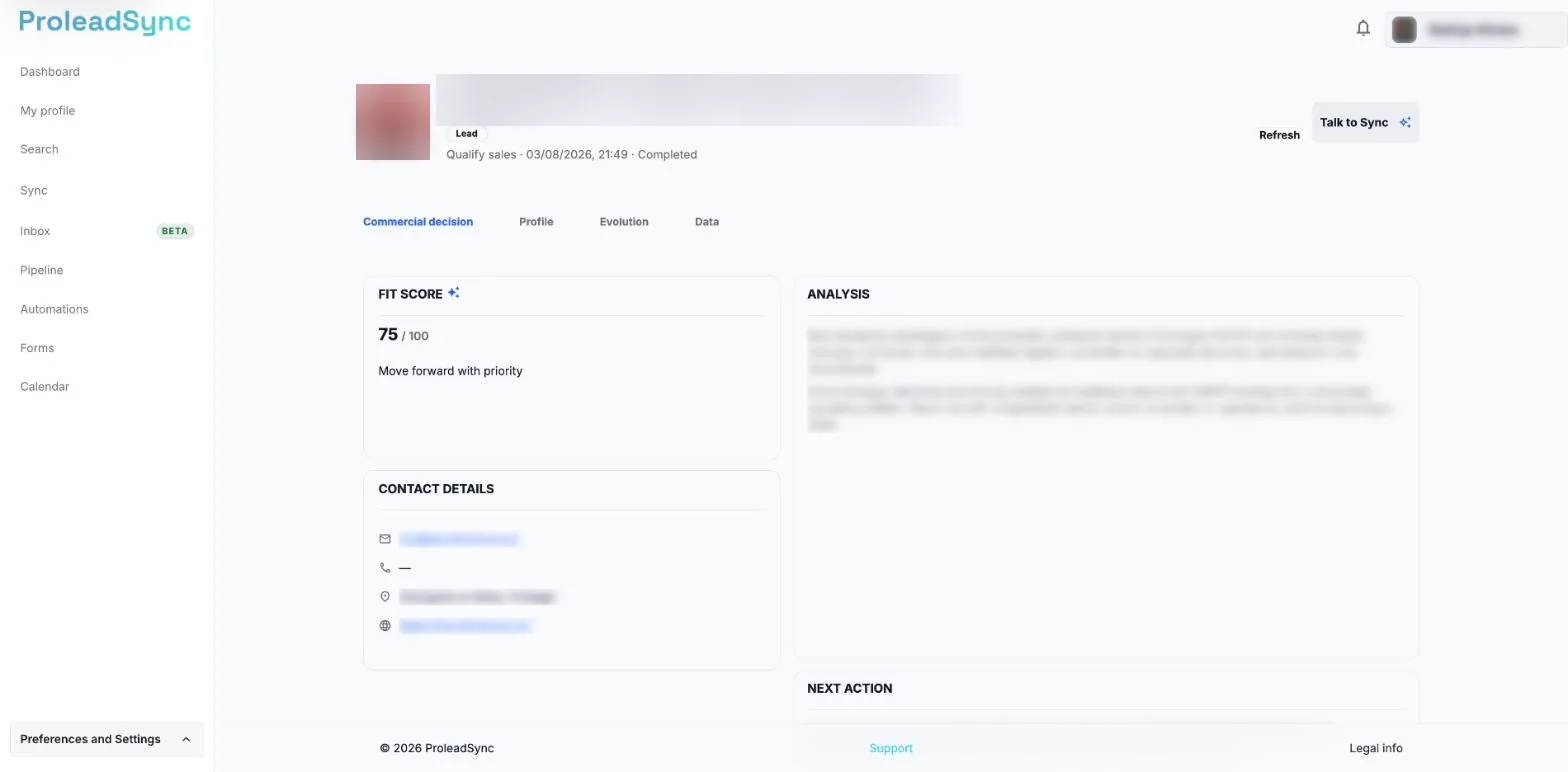
The profile analysis opens in Profile 360. - 2
Add it as a lead
Select the action to add the profile to your leads. If ProleadSync asks for an initial stage, choose the one that reflects the current relationship.
- 3
Add essential context
Record a short note about why the profile matters and set the next action when you already know what should happen next.
- 4
Confirm it in the Pipeline
Open the Pipeline and search for the username. The lead should appear in the selected stage.
If something does not work as expected
ProleadSync says the lead already exists.
Open the existing lead and update its stage, note or next action instead of creating another record.
The lead is not in the expected stage.
Refresh the Pipeline, confirm the selected filter and search for the username.