
Step by step
- 1
Open the lead
From the Pipeline or Inbox, open the lead details and select View Profile 360.
- 2
Review identity and signals
Confirm the profile and move through the content and metrics sections. Focus on the signals related to your current decision.
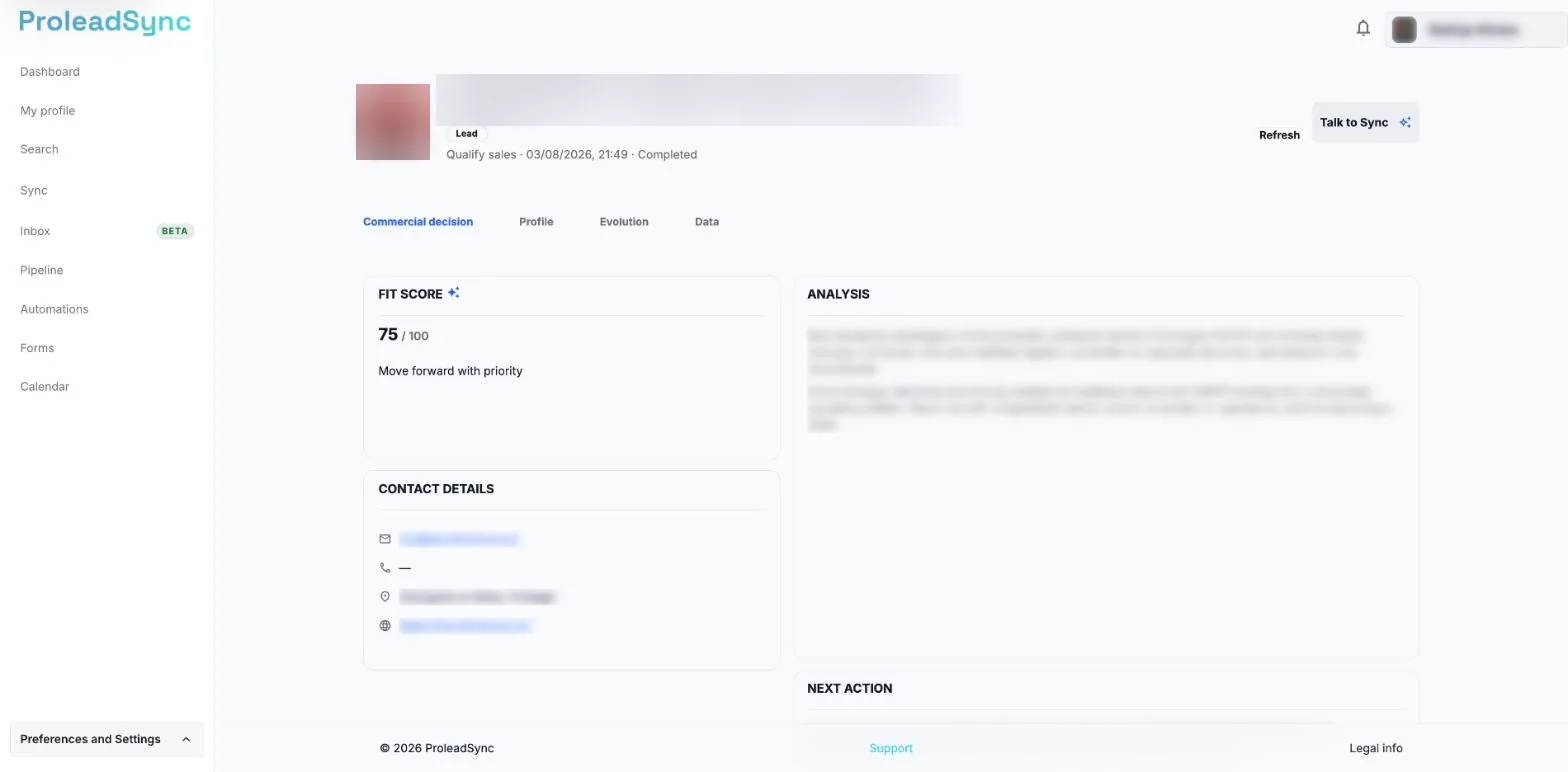
Profile 360 brings together the analysis and the contact details. - 3
Check the sales context
Review notes, stage and previous activity. Compare that history with the latest profile information.
- 4
Update the next step
Record the decision, adjust priority or define a next action so the lead does not remain without follow-up.
If something does not work as expected
Profile 360 shows old information.
Use the sync option when available and reopen the profile after the update finishes.
I cannot find View Profile 360.
Open the lead details in the Pipeline or select the corresponding conversation in the Inbox first.