
Before you start
- Instagram must be connected when the search depends on data from that connection.
Step by step
- 1
Open Search
Select Search in the main menu and confirm that Instagram is selected as the source.
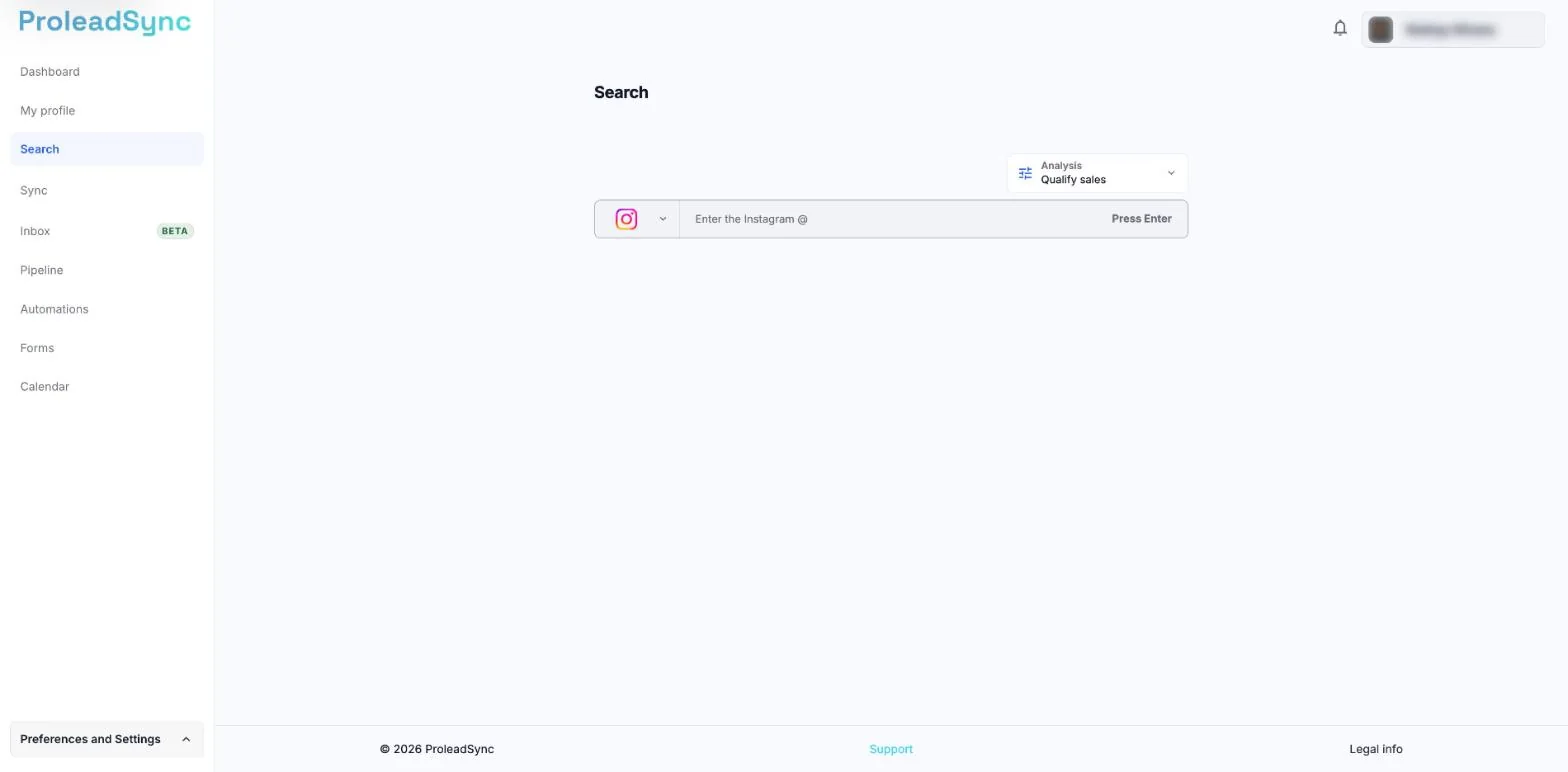
Type the profile @ and press Enter to start. - 2
Choose the objective
Use Analysis to understand a profile. Choose Qualify sales, Partnerships or Map competitors according to the decision you need to make.
- 3
Search for the profile
Enter the username without spaces and press Enter. Wait while ProleadSync gathers the available information.
- 4
Open the result
Check the picture and profile name before opening the analysis so you do not work on a similarly named account.
If something does not work as expected
Search cannot find the profile.
Check the username on Instagram and try again. Private or recently renamed profiles may provide less information.
The analysis keeps loading.
Wait a moment and refresh the page. If it happens again, restart from Search.