
Before you start
- The amount of information depends on what the profile makes public and the recent activity available.
Step by step
- 1
Confirm the profile identity
Check the name, username, picture and bio before using the analysis.
- 2
Read the summary first
Start with the signals that explain positioning, activity and fit. Treat them as guidance, not as an isolated conclusion.
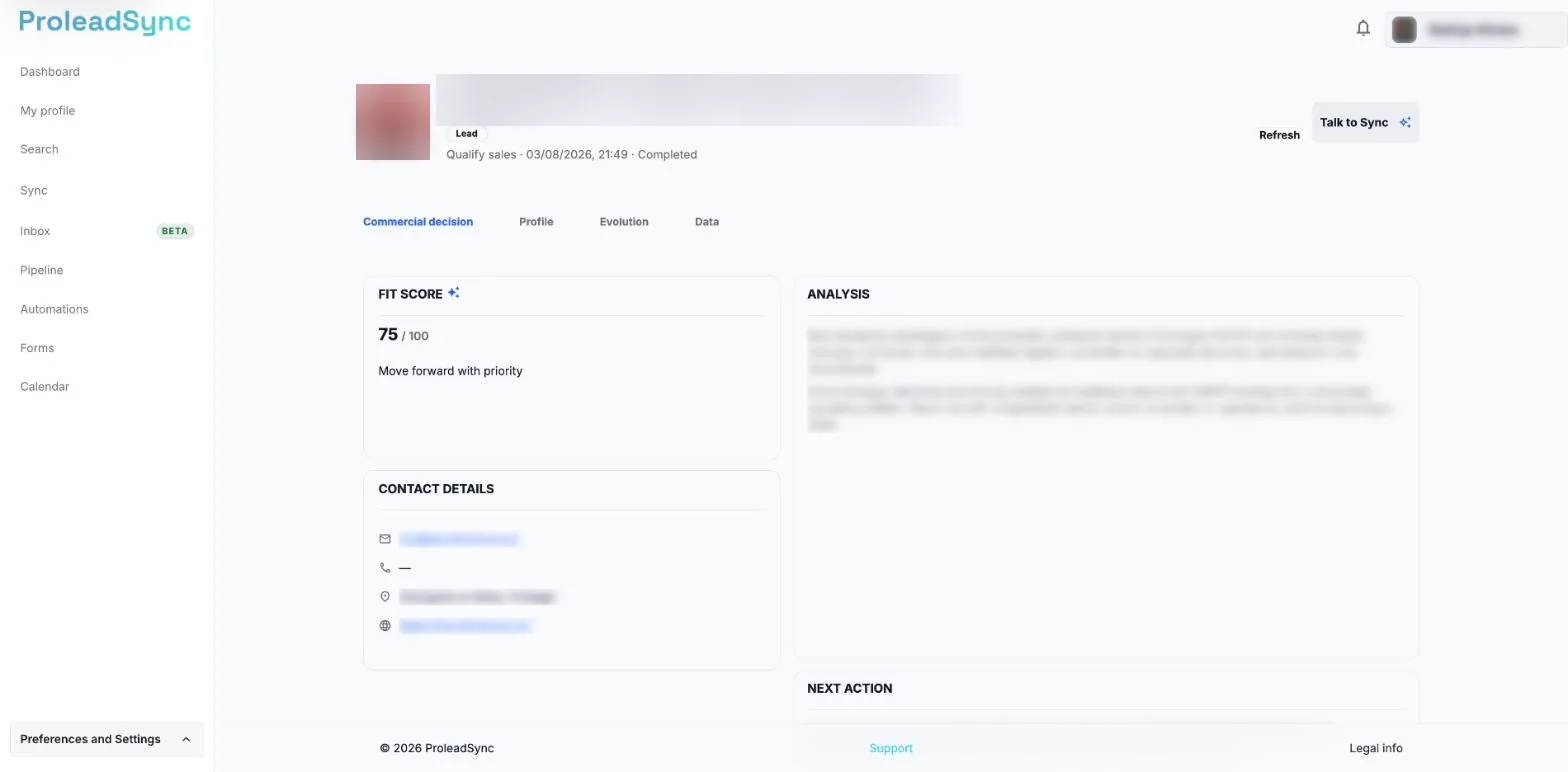
Start with the Commercial decision tab: it has the score and the analysis summary. - 3
Compare content and metrics
Review publishing frequency, content types and metric trends. Look for consistency between what the profile says and publishes.
- 4
Record the decision
If the profile is relevant, save it as a lead and add a short note explaining why. If it is not relevant, you do not need to add it to the Pipeline.
If something does not work as expected
Some metrics are empty.
There is not enough information for the period or the account does not provide it. Use the remaining signals and do not guess missing values.
This is not the profile I searched for.
Return to Search and confirm the full username before opening another result.