
Before you start
- Ask only for the information required by the form purpose and explain how personal data will be used.
Step by step
- 1
Create the form
Open Forms and select New form. Give it a name that identifies its internal purpose.
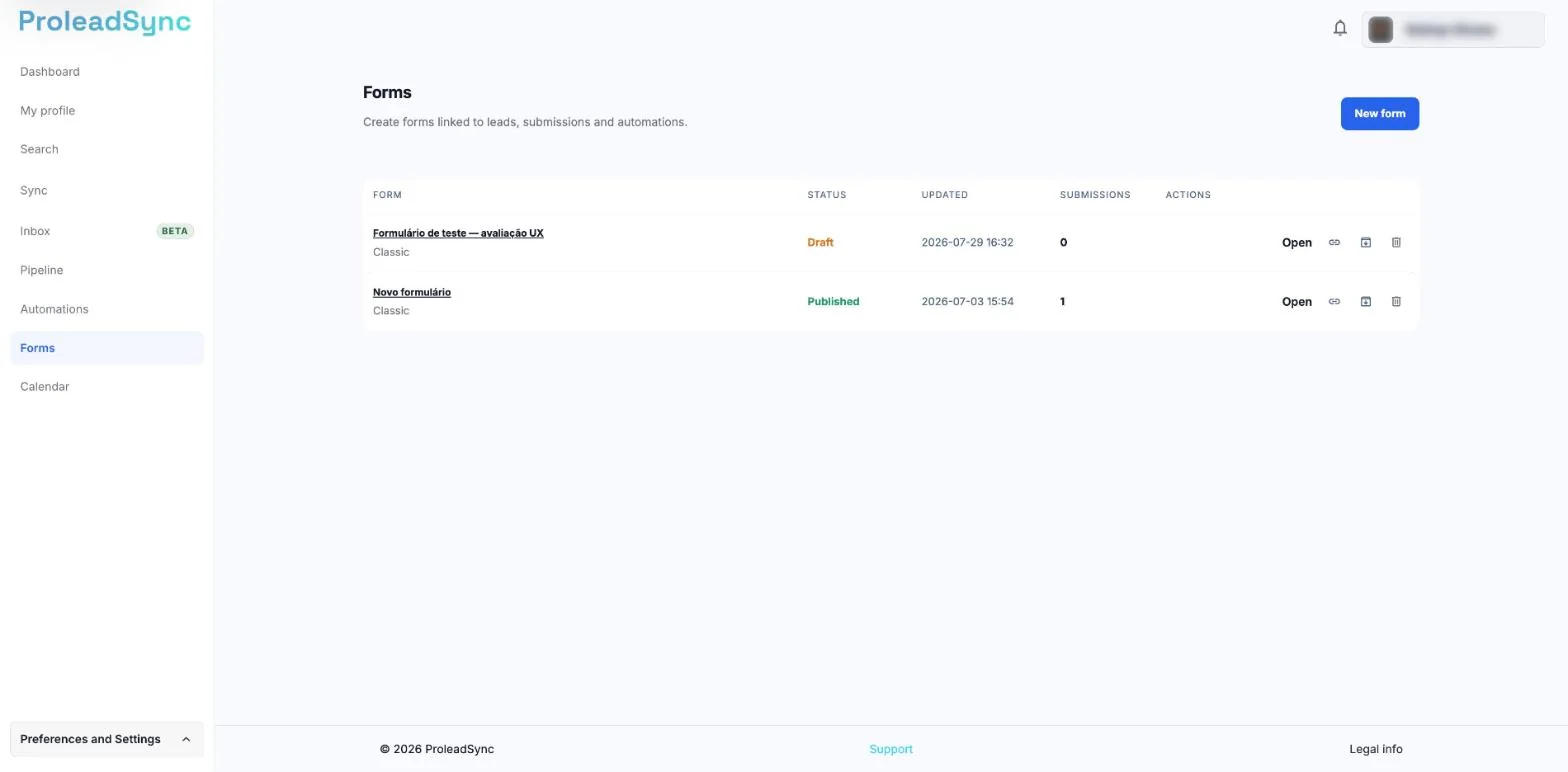
Select New form to start. - 2
Add and order fields
Include only the fields you need. Make data required only when you cannot follow up without it.
- 3
Review presentation and destination
Check the title, final message and how responses will be connected to leads or automations.
- 4
Test and publish
Open the preview, submit a test response and confirm the data reaches the right place. Publish the form and copy its address to share it.
If something does not work as expected
The form cannot be published.
Confirm that every field has a name and that required options are complete.
The test response is missing.
Refresh the responses list and confirm you tested the latest published version.