
Step by step
- 1
Open the relevant conversation
In the Inbox, select the conversation and confirm the identity and latest content.
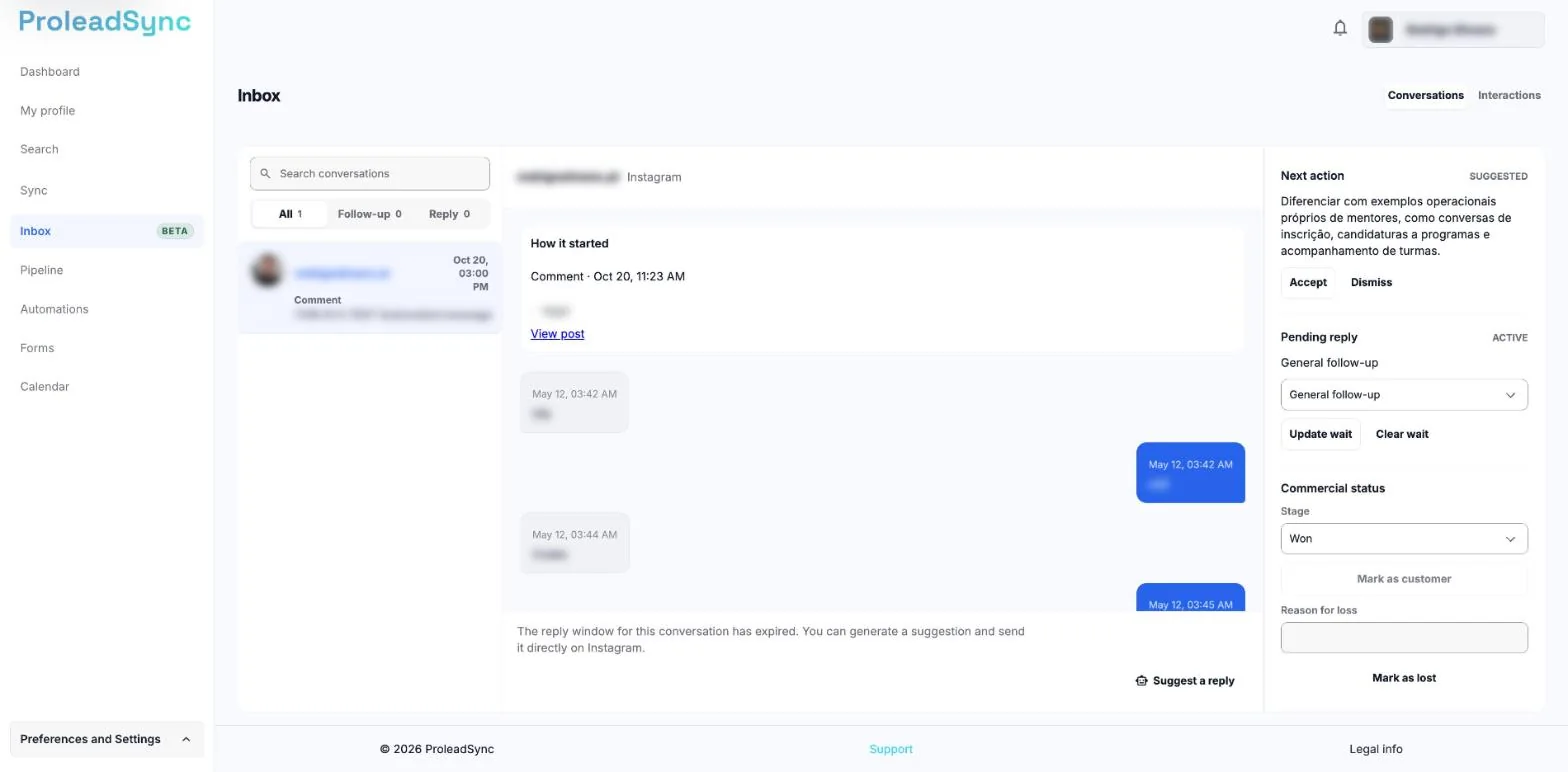
On the right of the conversation you update the contact's commercial status. - 2
Open Profile 360
Select View Profile 360 to review profile signals before adding or updating the opportunity.
- 3
Save the lead
Add the profile as a lead when it does not exist yet. If it already exists, open the current record to avoid duplicates.
- 4
Set the follow-up
Choose the stage, add a note about the interest shown and set the next action agreed in the conversation.
If something does not work as expected
The profile is already connected to another lead.
Use the existing lead and update its context instead of creating a second record for the same identity.
I cannot open Profile 360.
Wait for the conversation to finish updating and try again. Also check whether the profile is still available on the source channel.